Application and Enrollment Portal - Student Services
Welcome to the Digital Student Services of the Catholic University of Eichstätt-Ingolstadt!
Your personal University Portal gives you access to everything related to applications, enrollment, and your program structure with just one click. Use the Student Services Application and Enrollment Portal, your one-stop shop for:
- Your application: Start your application, upload documents, track your status.
- Your enrollment: Create login credentials, complete enrollment, upload your KU Card photo.
- Your program structure: View your program structure, download current transcripts online at any time.
Instructions for accessing your certificates and other features at studienservice.ku.de
Go to page studienservice.ku.de and login
Please go to website studienservice.ku.de (and toggle the language to English in the upper right hand corner, where necessary).
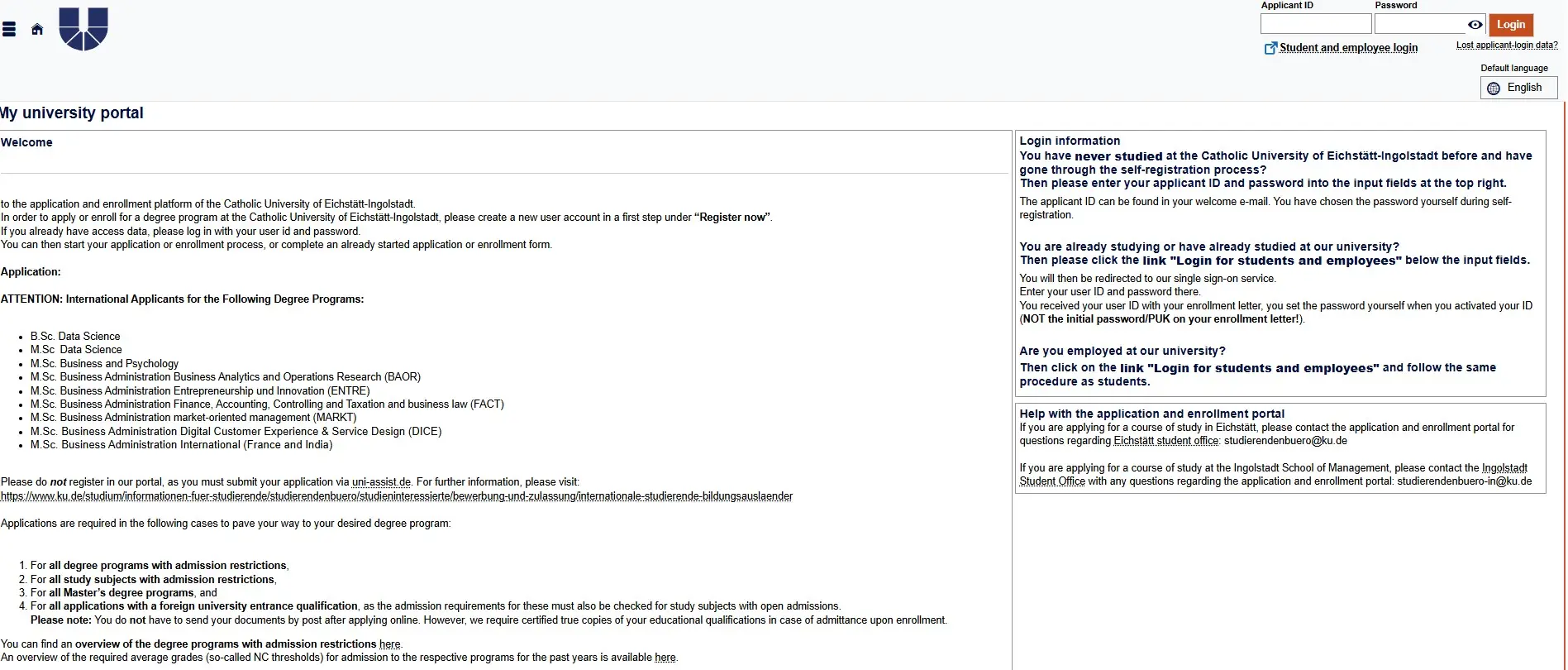
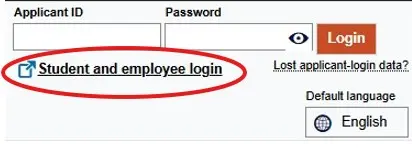
In the top right hand corner, you will find the login button for students:
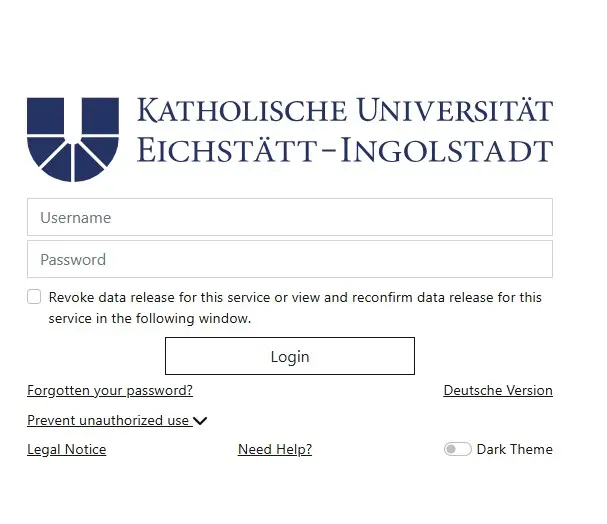
After clicking on Login for Students and employees, you can register for the system using your user ID and password on this page:
Important note for doctoral students only:
Please make sure to always select “Student” as your role:

Use of link tile Student Service
Once you have successfully logged on to the system, you can click the red Student Services button:
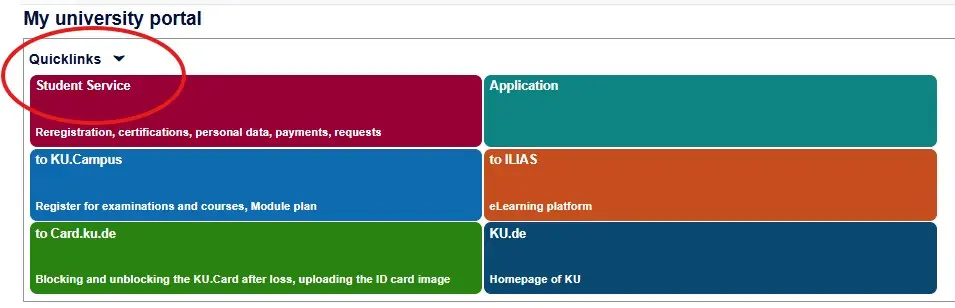
You will then see the tabs My courses of study, Contact Data, Payments, and Reports/Certificates.
Overview of tabs/online services
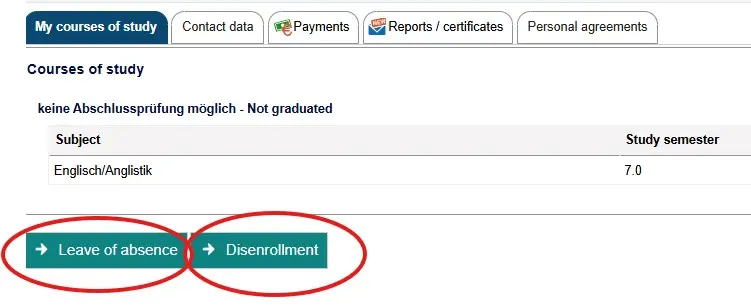
On the My courses of study tab, you can view your current degree programs for the semester in which you are enrolled. You can submit an online application for a leave of absence or a request for de-registration (disenrollment) directly here.
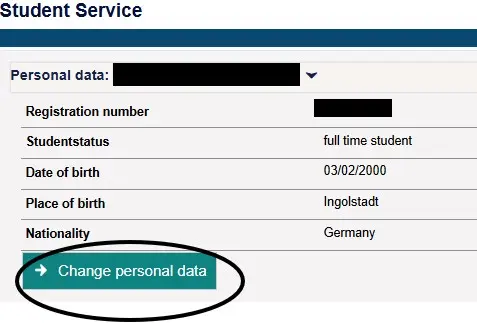
Change of personal data
If you would like to change personal data, such as your nationality or last name, open the form and submit a change request online:
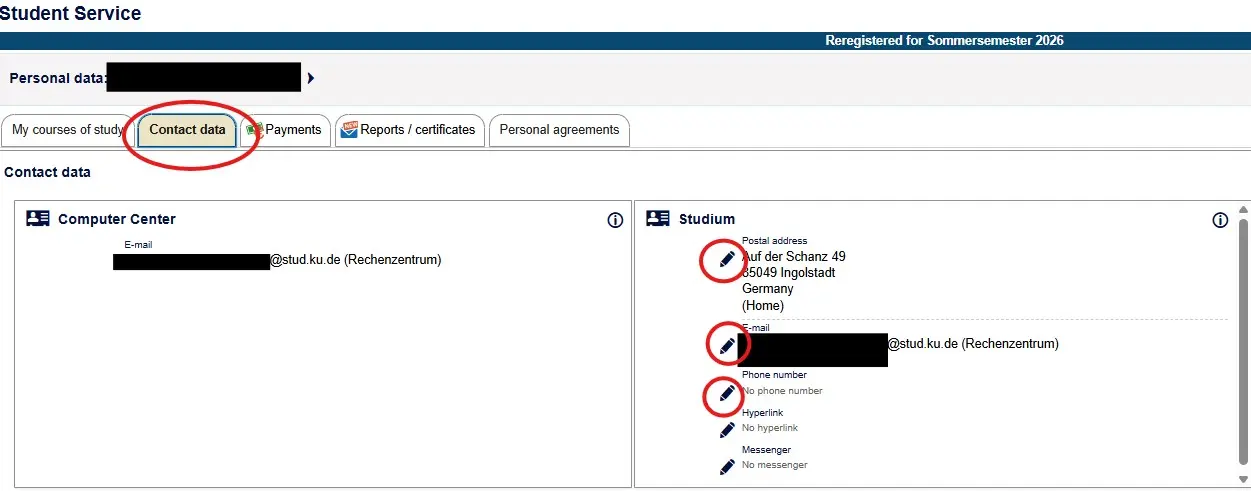
Change of contact data
The Contact Data tab provides an overview of your registered e-mail address, phone number, and mailing address. You can use the pencil icon to make changes in the appropriate fields:
Invoices and payments
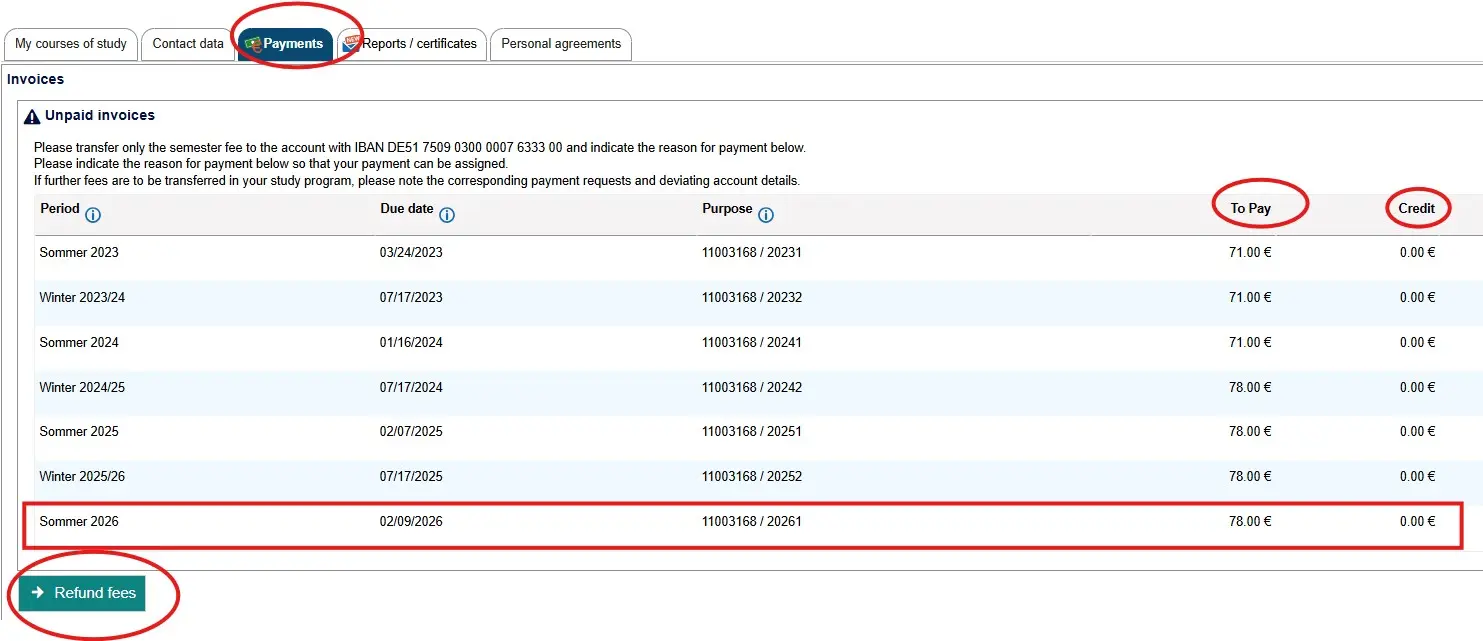
On the Payments tab, you can view both the amount of the semester fees (Due - to pay) and the status of your payment (Paid - credit). Here, you can submit an online application for a refund of fees (e.g., credit).
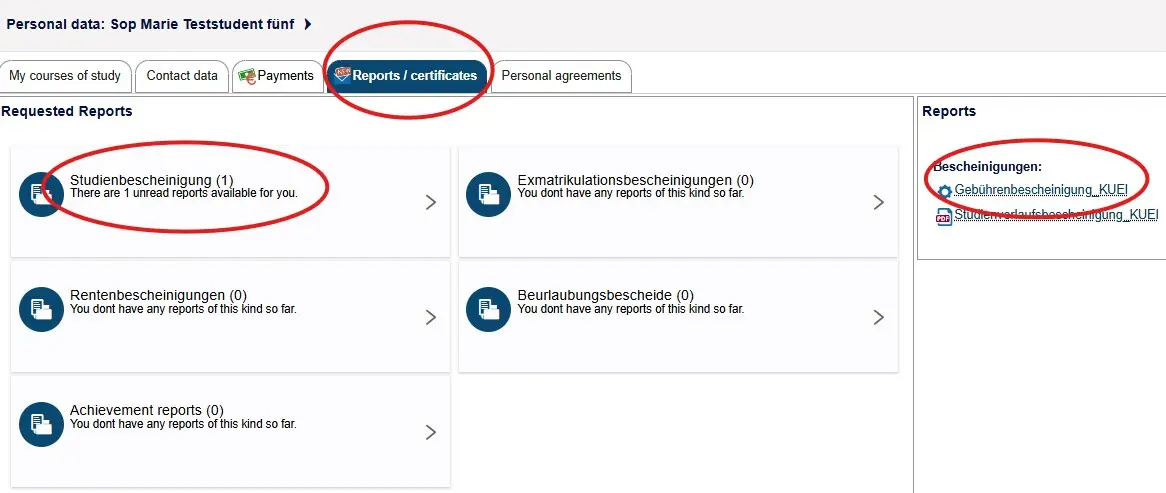
Reports and certificates
You can access your certificates (e.g., certificate of enrollment, fee statement) in the Reports/Certificates tab: